

Google has published the Google Play Store listing for "Create My Widget," a feature previously teased for Googlebook. While the app page is live, it cannot be installed just yet.
The upcoming tool allows users to generate custom home screen widgets using natural language text prompts. Interestingly, screenshots featured on the listing confirm that the feature will support Android smartphones alongside Googlebook devices.
Googlebook vs. Android Features
On Googlebook, the app offers a rich set of categories tailored for larger displays, including Weather, Sports & Fitness, Events & Travel, Daily Habits, Finance, and Tools & Tips. Each category comes packed with preset templates, giving users a clear visual idea of what they can build.
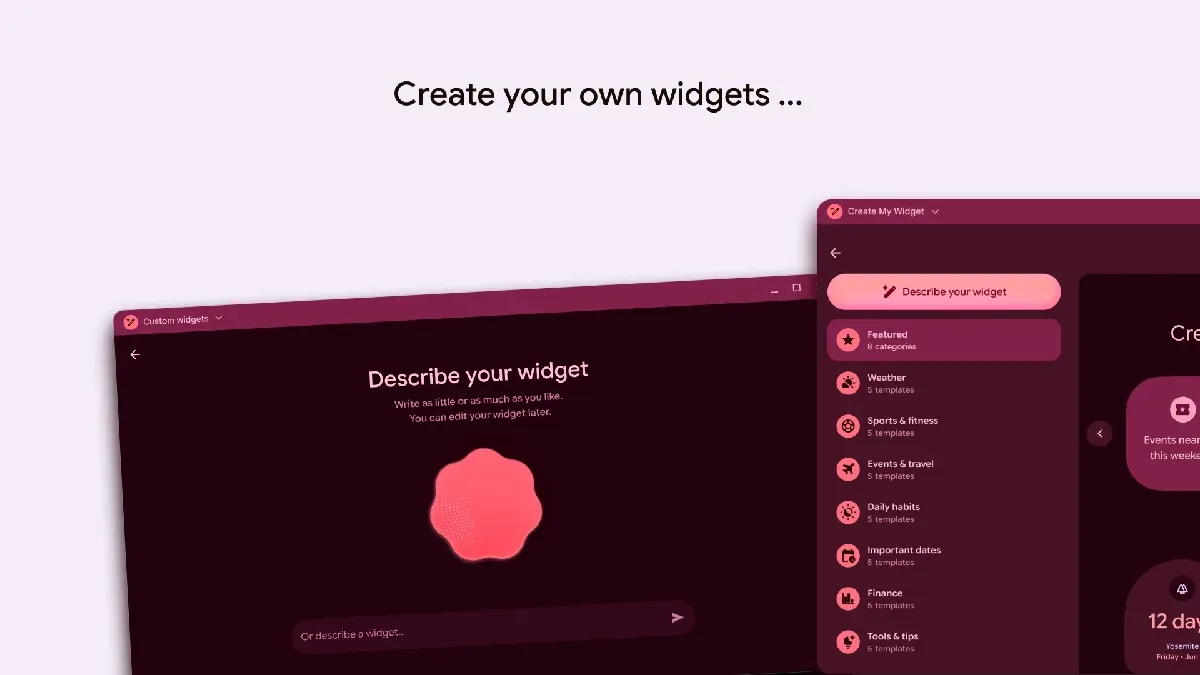
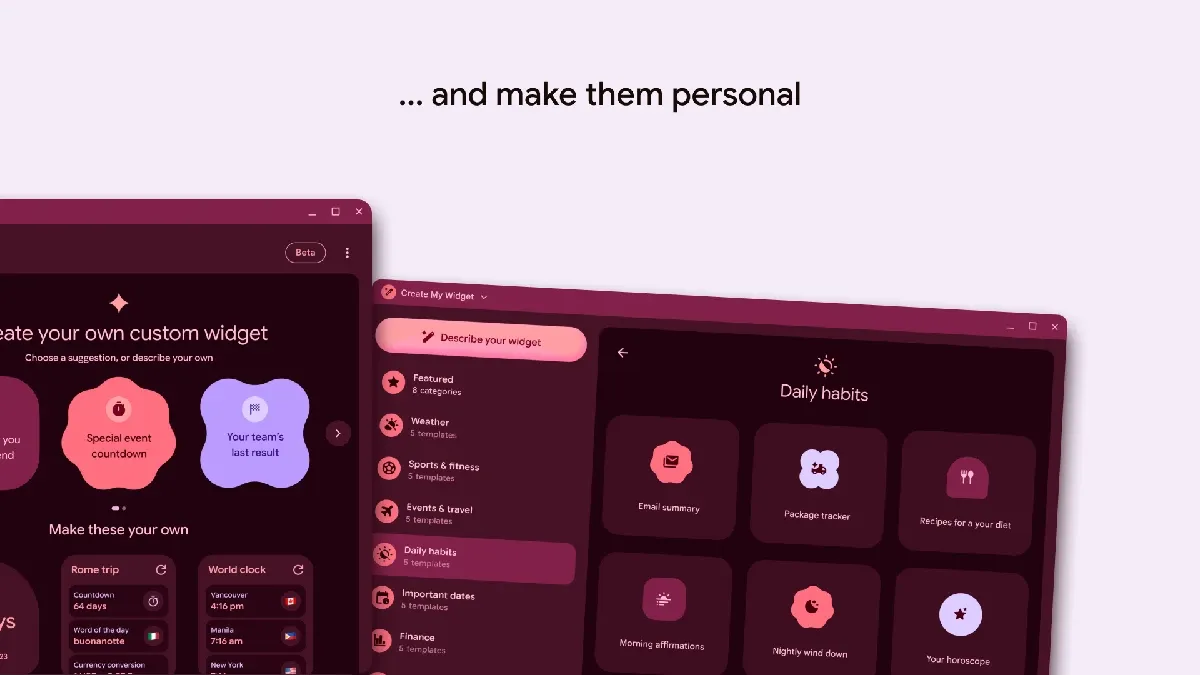
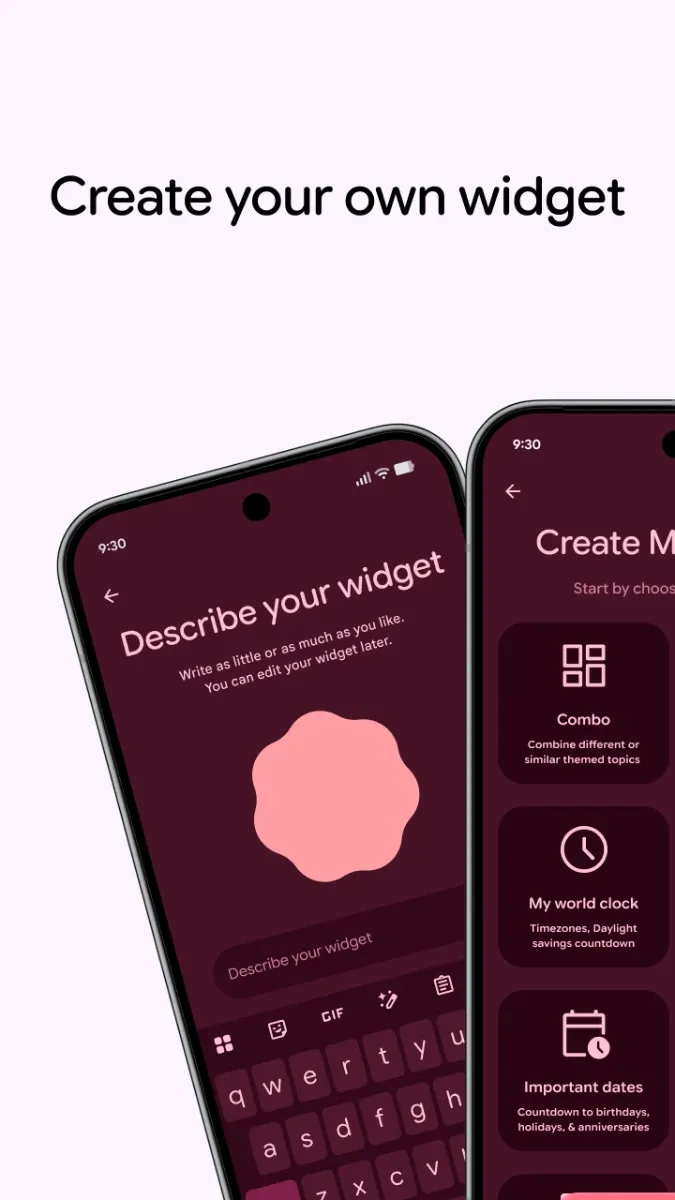
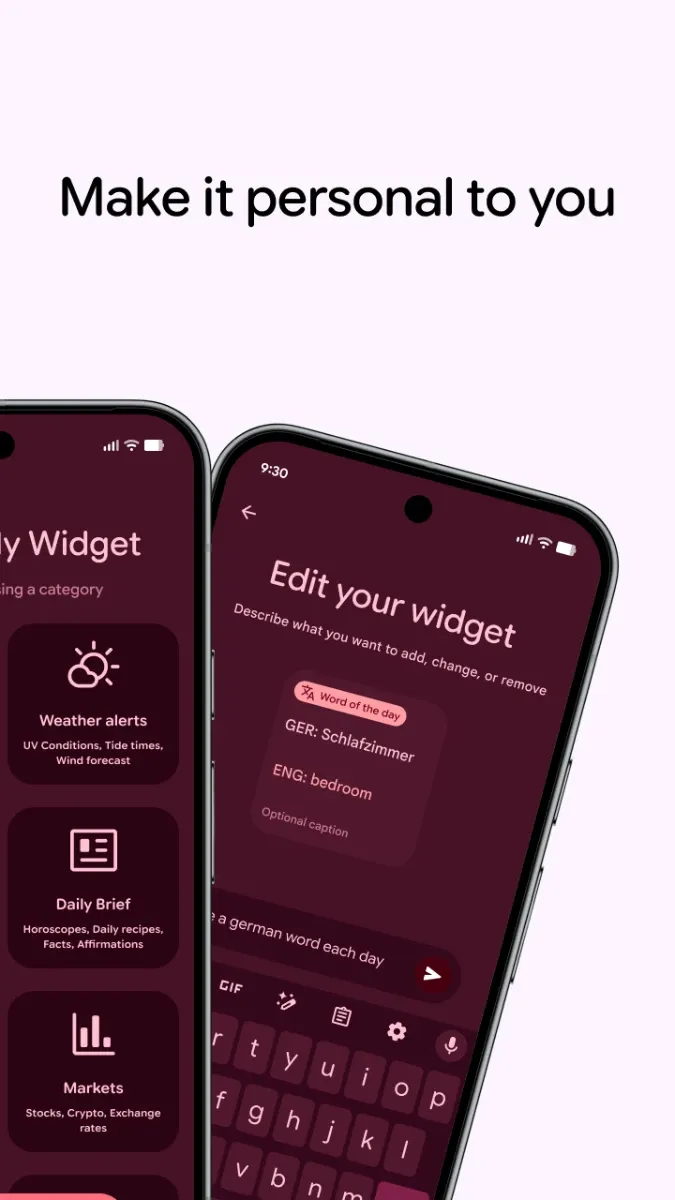
On Android smartphones, the interface opts for a guided creation experience, highlighting recommended widgets in a smooth carousel format. Category breakdowns are presented concisely through text descriptions for effortless selection and customization.
Both Googlebook and Android versions share a prompt box at the bottom, allowing users to build fully custom widgets simply by describing what they want in natural language. Additionally, generated widgets feature Google's new Material 3 Expressive design language.
Googlebook App Ecosystem Expands
The current version listed on the Play Store for Create My Widget is 1.27.983746769.0-desktop_release.
Ahead of Googlebook's official release, several first-party Google apps have already trickled onto the Play Store, including Magic Pointer, Look up, Desktop Camera, Device Intelligence, and Text.
Third-party developers are also jumping on board, with offerings like Lenovo's Lenovo Vantage joining the store—signaling rapid growth for the Android-based platform.