

Google is reportedly working on an "App restore on reboot" feature for Googlebook that allows users to choose whether to restore app windows open right before a reboot.
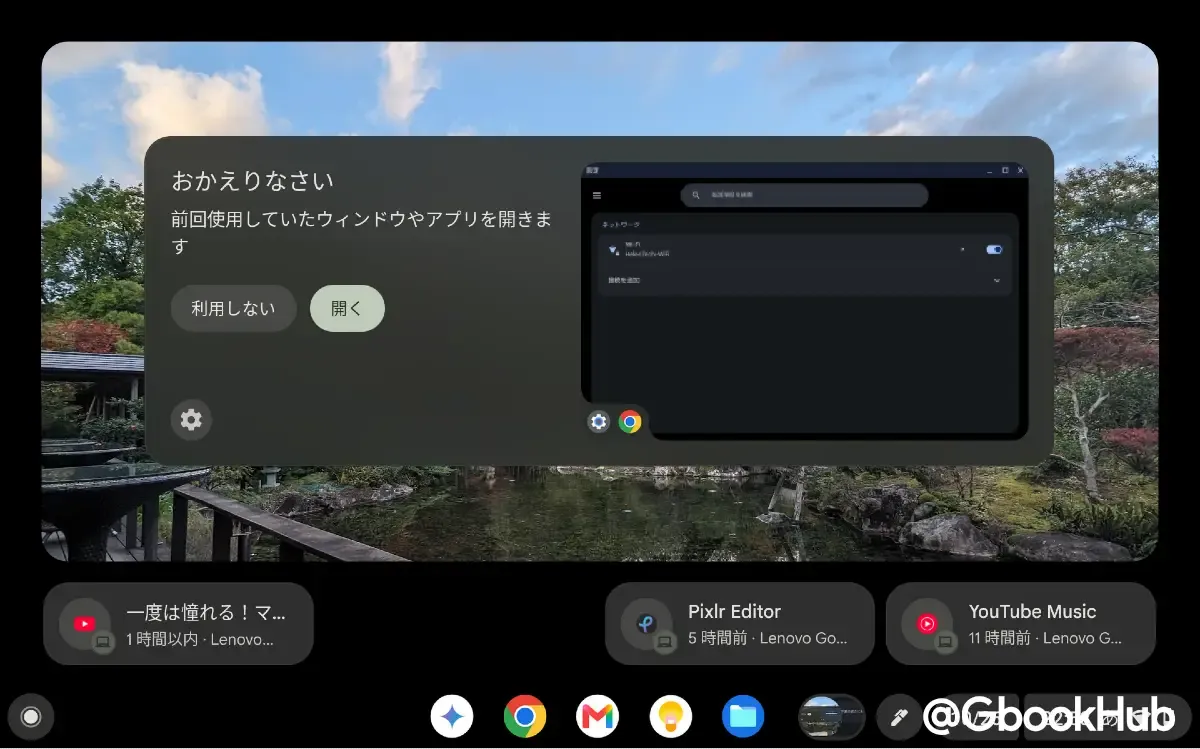
This was discovered through a code teardown of Android 17 QPR3 Beta 2 by Android Authority. Once implemented, Googlebook will gain an app restoration feature equivalent to Chromebook's "Welcome Recap."
Discovered Settings and Three Options
The discovered code includes three options under the setting title "App restore on reboot":
-
Always restore apps
-
Ask every time
-
Never restore apps
With this setting, users will likely be able to toggle between restoring their previous workspace after a reboot, asking via a dialog on startup, or starting up as usual without restoring anything, depending on their workflow.
Differences from Chromebook's "Welcome Recap"
While these three options mirror the restoration settings introduced in Chromebook's "Welcome Recap" in ChromeOS 130, Chromebooks can also display weather forecasts, calendar events, and tab suggestions (Web apps) open on other devices.
At this point, only string references regarding app restoration upon reboot have been found for Googlebook, so it remains unclear whether additional features beyond restoration will be added as on Chromebooks.
Ongoing Improvements and New Features for Googlebook
Googlebook was launched aiming for a desktop environment built on a hybrid design of Android and ChromeOS, but at launch, it was left with many software challenges, including missing features that were previously available on ChromeOS.
Google is actively addressing these issues, with ongoing feature additions such as Linux terminal improvements, Chrome multi-profile support, and the recently spotted Phone Unlock.
The "App restore on reboot" feature is another effort to bring ChromeOS convenience to Googlebook. However, as it has only been discovered in early development code, it is still unknown when it will roll out or whether it will ultimately reach official release.