

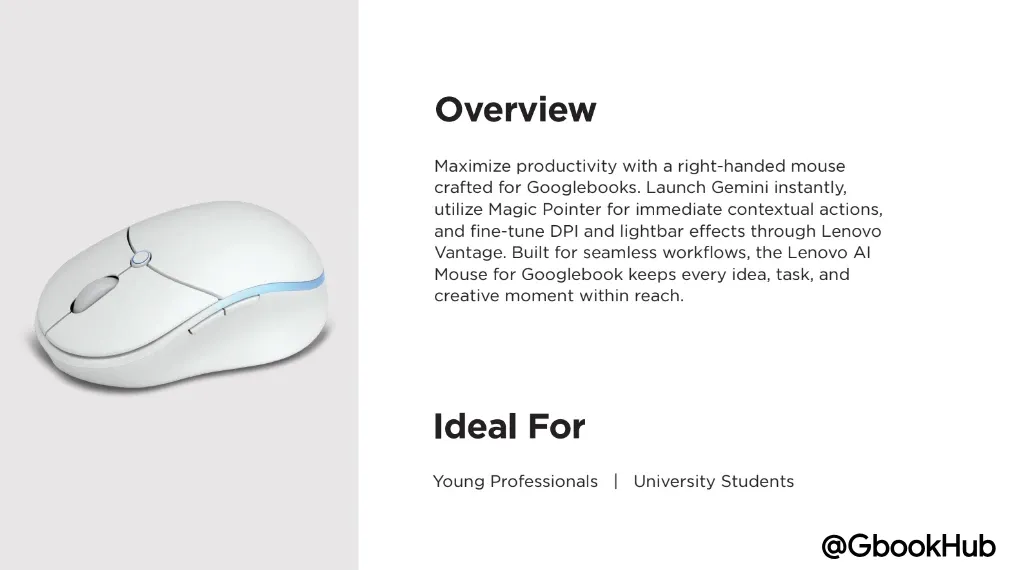
Lenovo's upcoming dedicated accessory for Googlebook, the "AI Mouse for Googlebook (M830)," was previously partially revealed through FCC certification and leaks. Now, official renders along with detailed specs and features have surfaced directly on Lenovo's official website.
While earlier FCC filings confirmed a wireless mouse featuring a dedicated "AI Key" and an "RGB Light Strip," new details regarding battery life, sensor resolution, and software integration have now come to light.
Detailed Functionality of the "AI Key" Revealed in FCC Filings
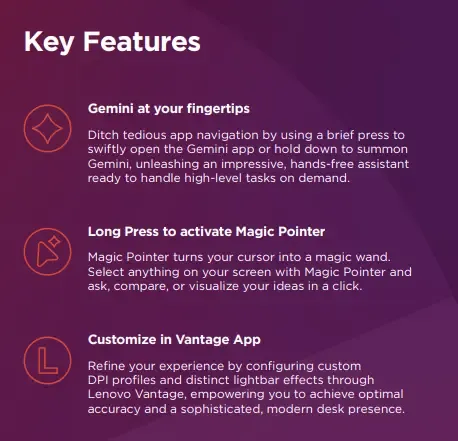
As previously reported, a dedicated "AI Key" integrated with Gemini is positioned on top of the mouse.
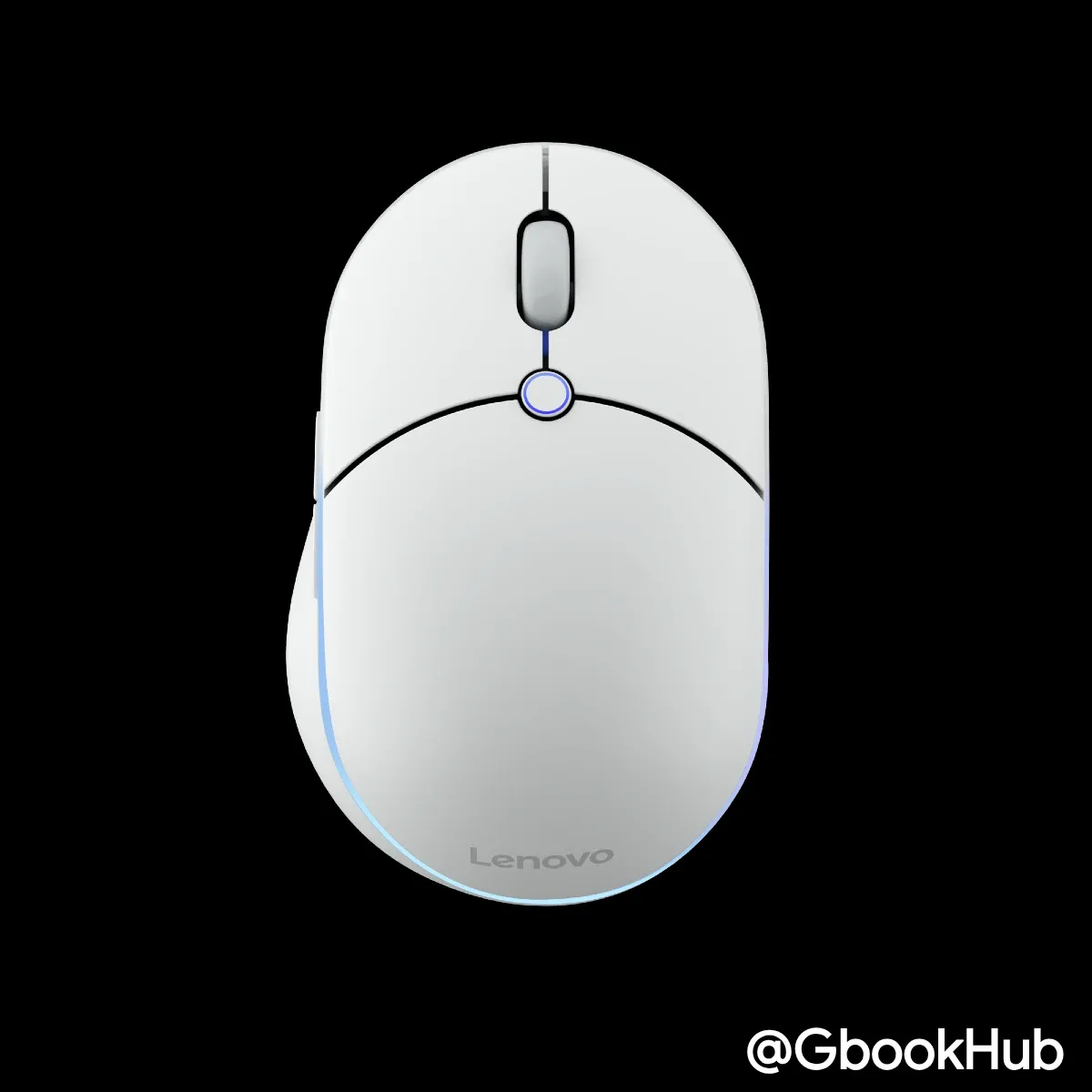
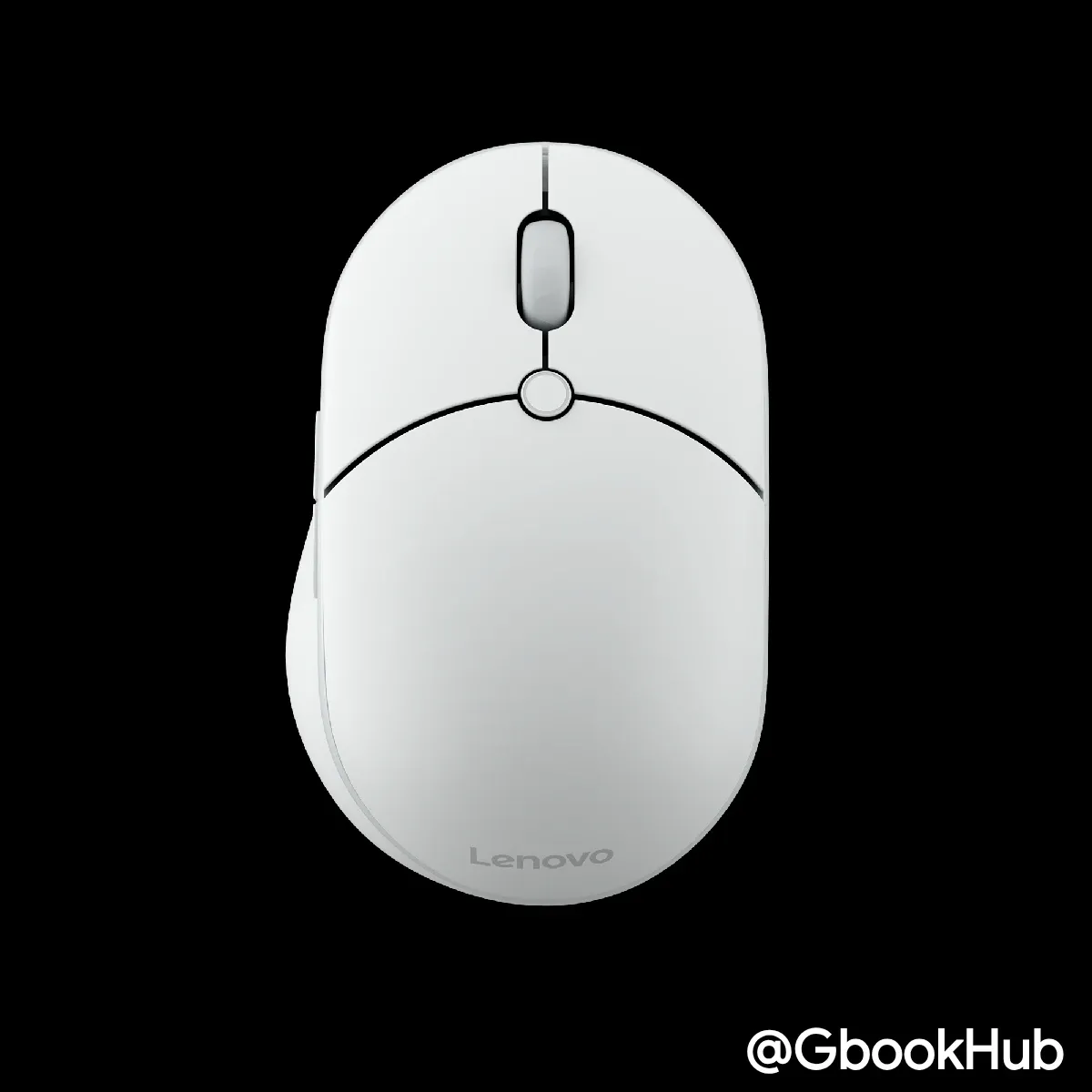
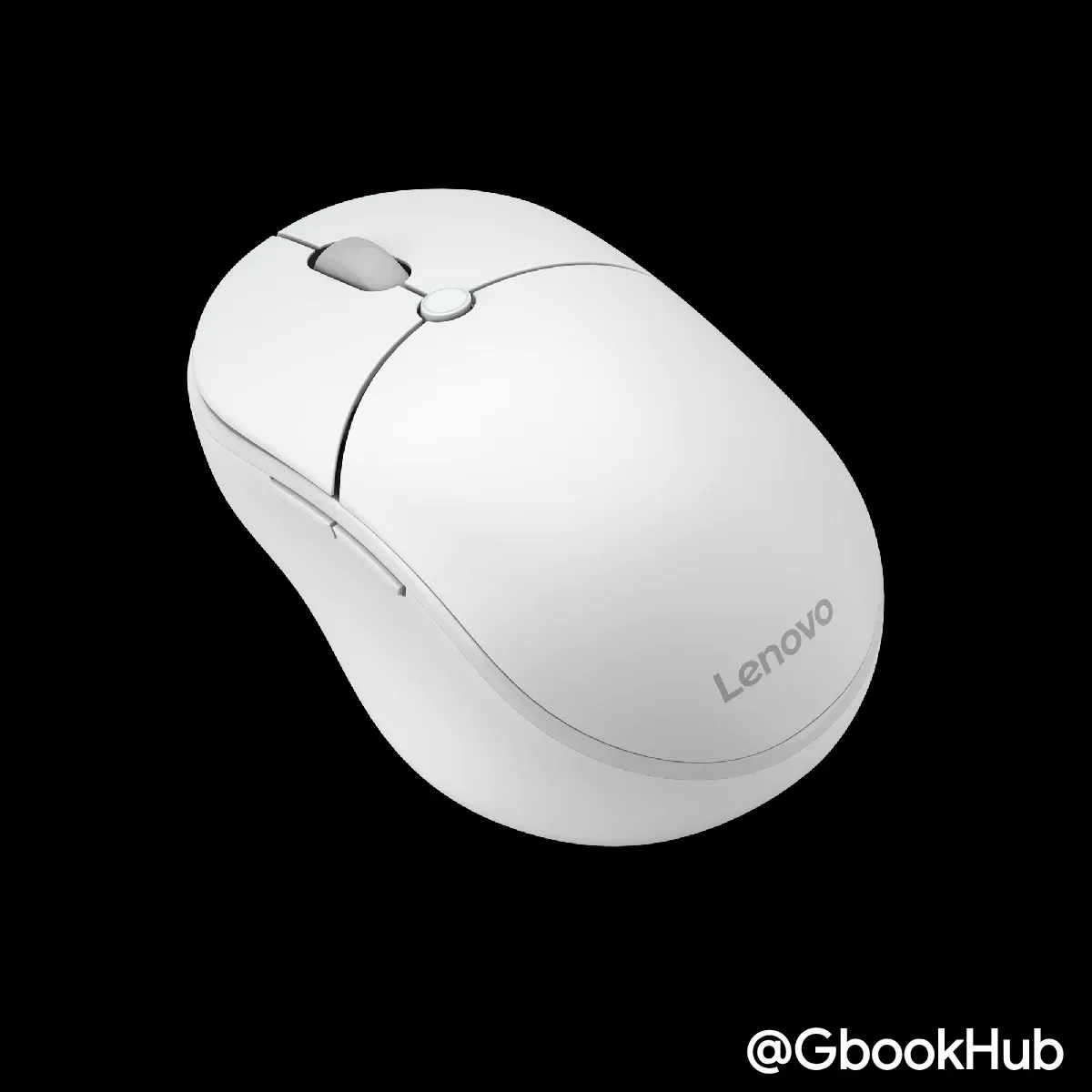
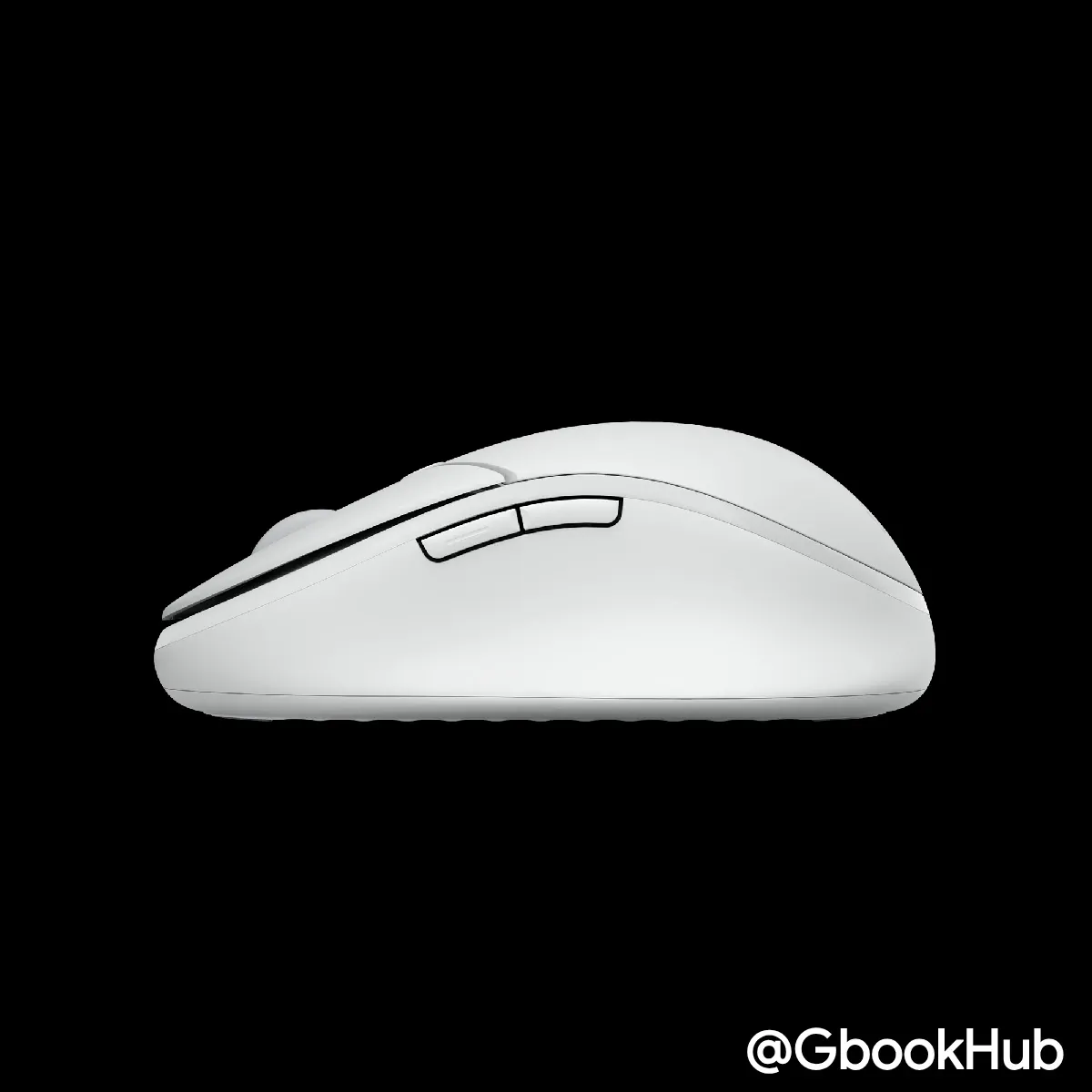
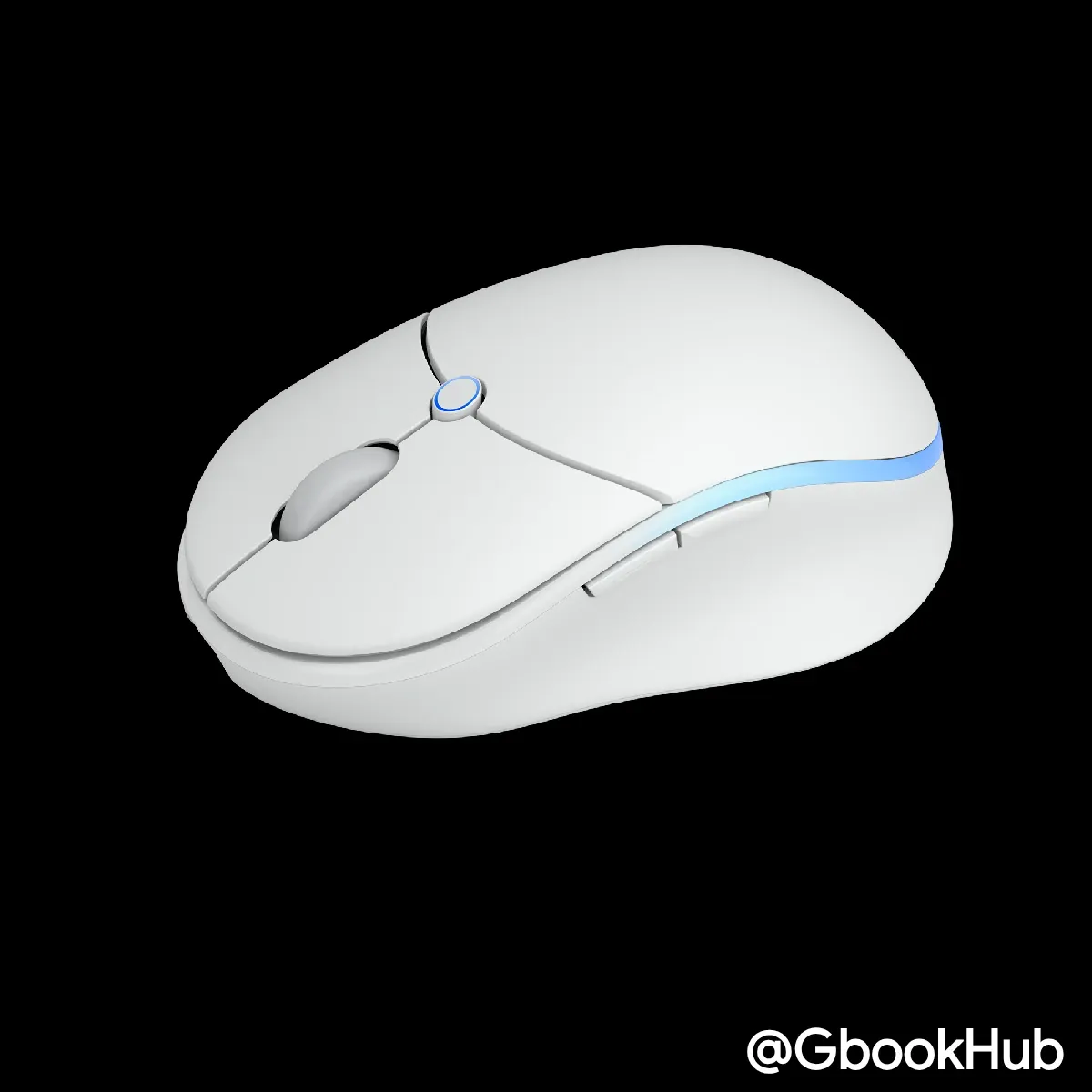
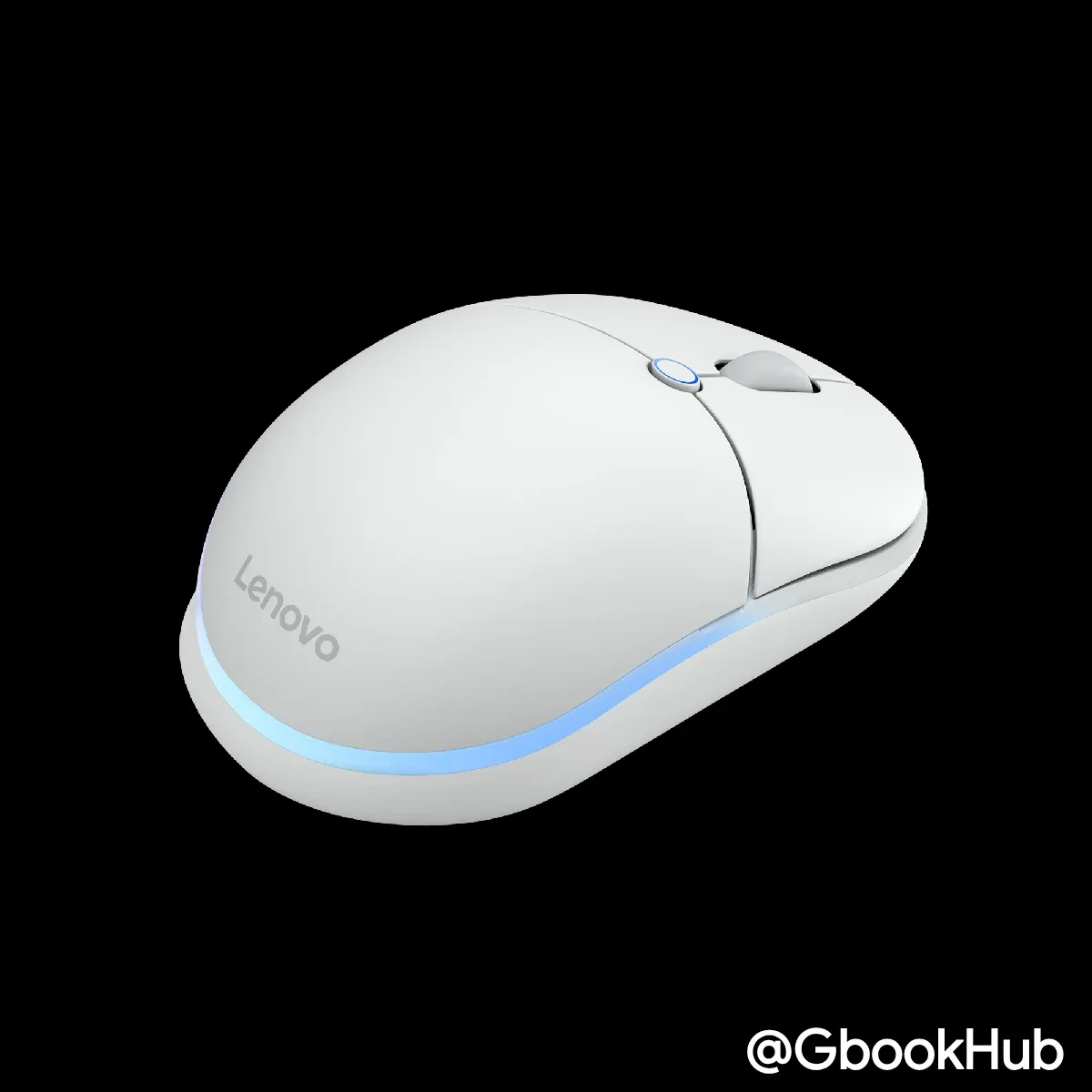
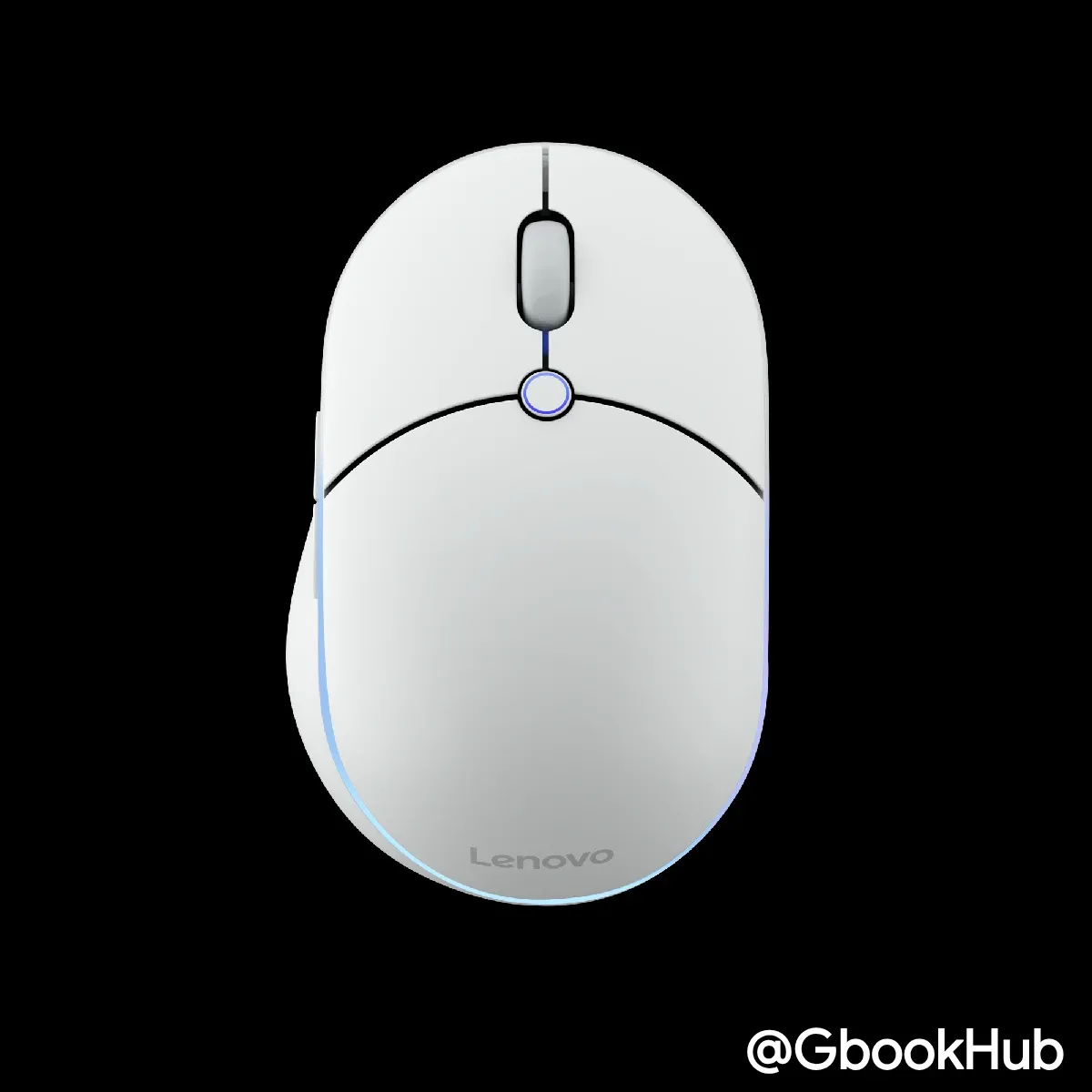
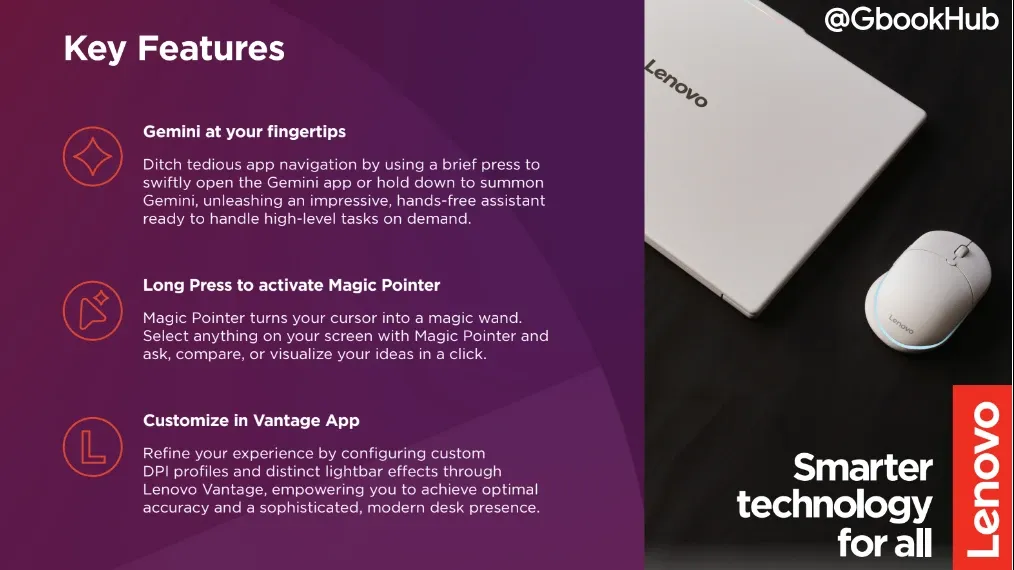
The latest documentation confirms that tapping the button instantly launches the Gemini app, while long-pressing activates Googlebook's new "Magic Pointer" feature. This allows users to select on-screen content and trigger AI suggestion chips seamlessly without interrupting their workflow.
Full Hardware Specs: Battery Life, Sensor, and Connectivity
The newly discovered spec sheet provides detailed hardware specifications:
-
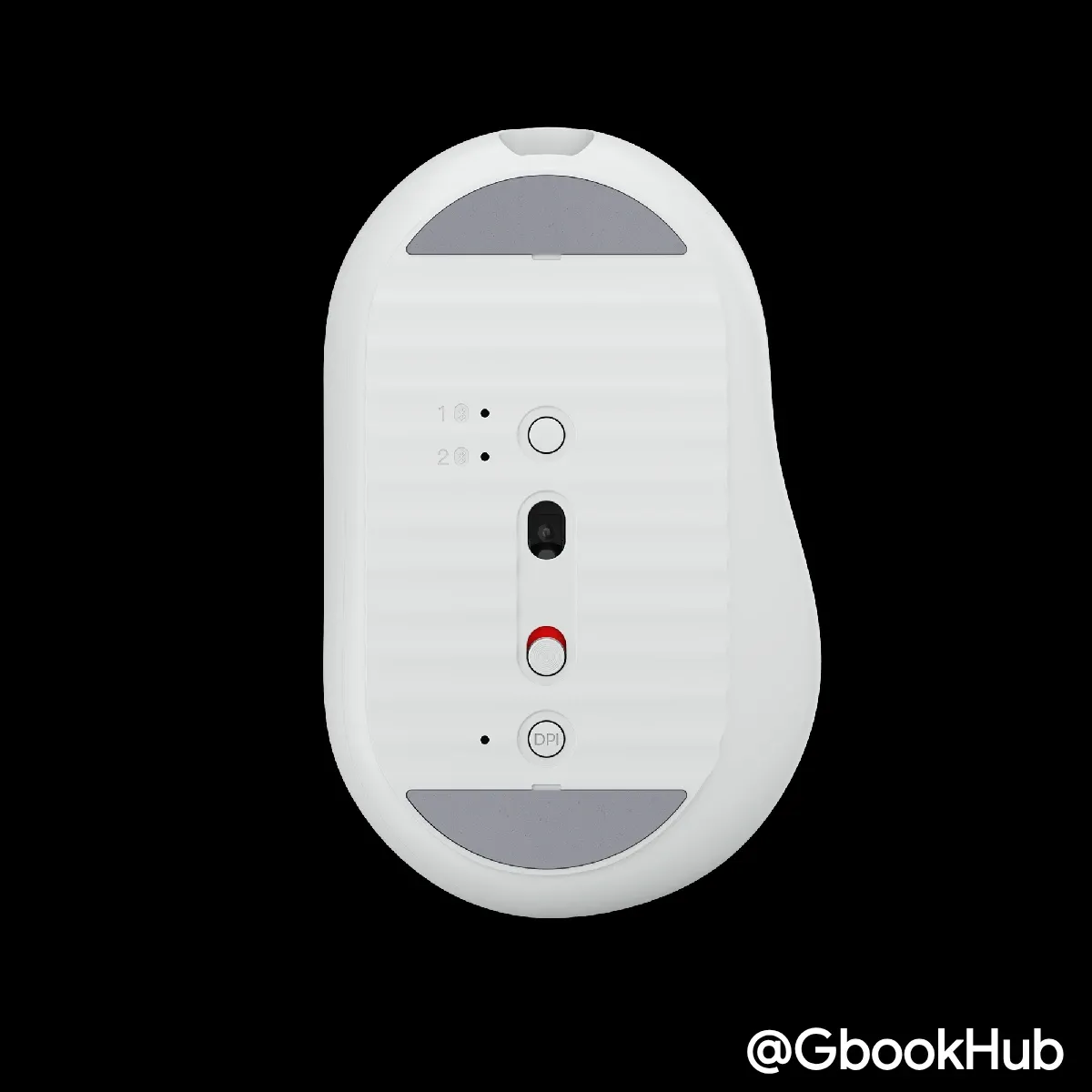
Sensor: Equipped with a PAW3311 IR optical sensor supporting up to 12,000 DPI. Users can quickly cycle through four DPI presets (1200 / 1600 / 2400 / 4000) using the onboard DPI button, alongside the default 1600 DPI setting.
-
Battery Life: Powered by a built-in 800 mAh lithium battery. The customizable RGB light bar delivers up to 40 hours of continuous use when enabled and up to 150 hours with RGB turned off.
-
Durability & Buttons: The primary left/right switches are rated for up to 80 million clicks. It features 8 buttons total (Left, Right, Scroll Click, Forward, Back, DPI, Channel Switch/Pairing, and AI Key).
-
Connectivity: Supports dual Bluetooth 6.1 (with Fast Pair support) as well as wired connection via the included 1.5m USB-C cable.
-
OS Compatibility: Explicitly lists Googlebook OS, ChromeOS, Windows 10/11 or later, macOS, Android, and Linux (Red Hat Enterprise 8.0 / Ubuntu 18.04), ensuring broad cross-platform support.
-
Dimensions & Weight: Measures 70.2 x 111.2 x 41.6 mm and weighs approximately 100g.
Unified Management via Lenovo Vantage
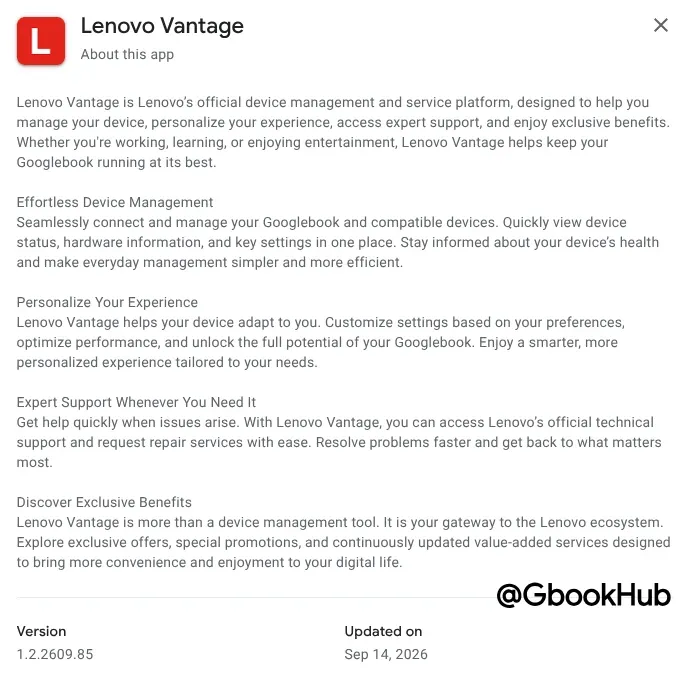
On the software front, the mouse integrates with the dedicated Android app "Lenovo Vantage", available on the Google Play Store.
The app enables device management, status monitoring, custom DPI profile configuration, and granular RGB lighting customization for compatible Googlebook accessories.
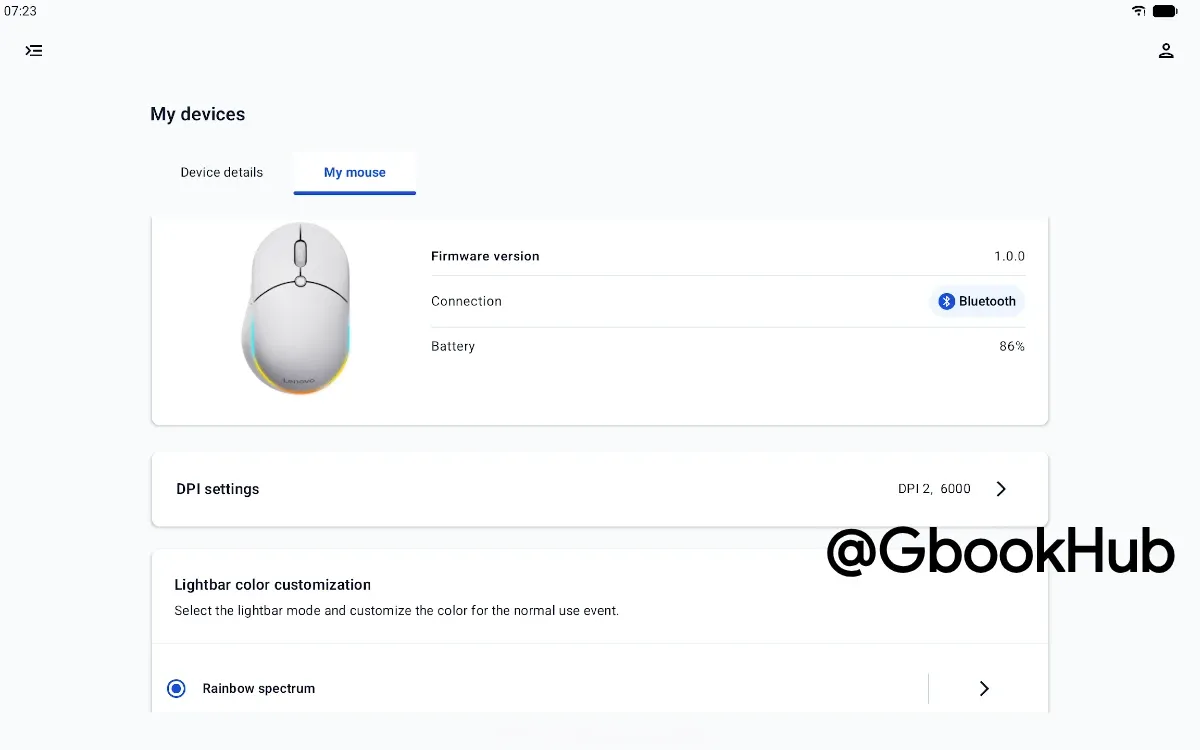
Furthermore, recently leaked images match those found in this newly uncovered documentation. The AI Mouse for Googlebook is expected to launch alongside the upcoming Lenovo Googlebook i (15”, 12), which is set to open for pre-orders soon.