

With Android 17, connecting a Pixel smartphone to an external display introduces a desktop mode highly reminiscent of a laptop experience. Seeing this, some might wonder, "Isn't Googlebook just a larger version of this?" Addressing this very question in an interview with Chrome Unboxed, Google VP John Maletis explained that the two are built on entirely different design philosophies.
Here is a closer look at why Googlebook and Android’s desktop mode are fundamentally distinct.
A Form Factor-First Approach
According to Maletis, when Google set out to design the Googlebook category, the first question they asked was: What fundamentally separates a laptop from a tablet or a smartphone? The answer they landed on was the inherent combination of a large screen, a permanent keyboard, and a trackpad—elements a laptop features by default. While you can dock a smartphone or attach a keyboard to a tablet, these are ultimately post-release extensions. Google realized this is distinctly different from a device designed from the ground up to integrate these core components.
The Case of Android Desktop Mode
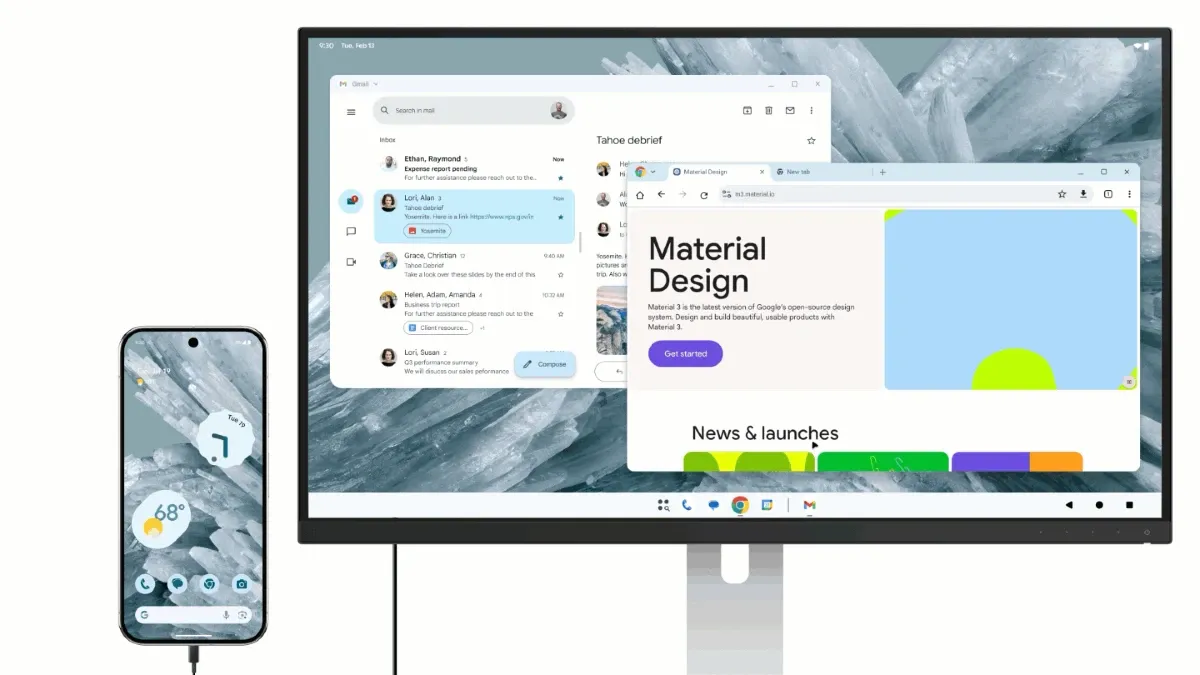
Android's desktop mode was developed in collaboration with Samsung, building upon the foundation of Samsung DeX to offer advanced functionality for smartphones connected to large screens or external displays.
Its evolutionary path involved taking a UI originally built for smartphones and adapting it to larger external environments. This makes its starting point entirely different from that of the Googlebook.
The Googlebook Approach
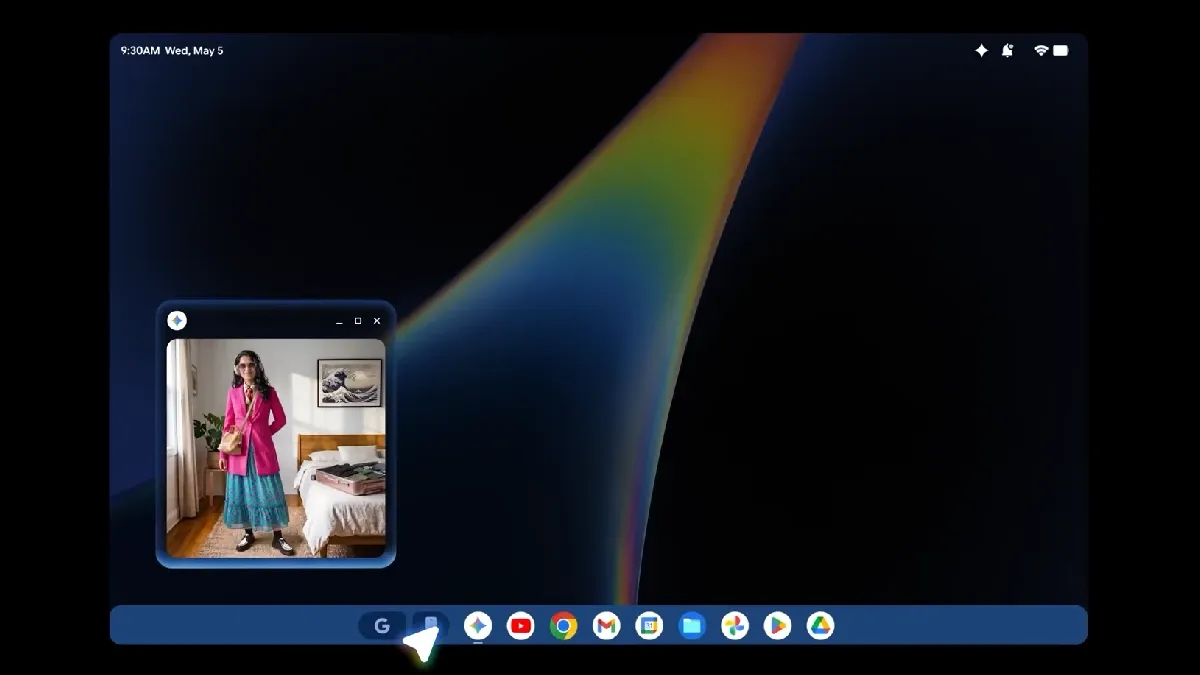
In contrast, Googlebook takes the laptop form factor itself as the starting point of its design, constructing the OS around it. This represents a fundamental shift in approach.
Maletis notes that Google deconstructed the elements inherent to the laptop shape and examined how they could innovate in areas the industry has left largely untouched for decades.
A New Paradigm: The Magic Pointer
The feature that best symbolizes this form factor-first philosophy is the newly introduced Magic Pointer on the Googlebook.
Pointing out that the mouse cursor has barely changed in over 40 years, Maletis explained, "Even if you integrate an AI assistant into a traditional desktop environment, the cursor remains just a tool for clicking links and moving windows. At best, the only change is having an AI chatbox as another thing to click on."
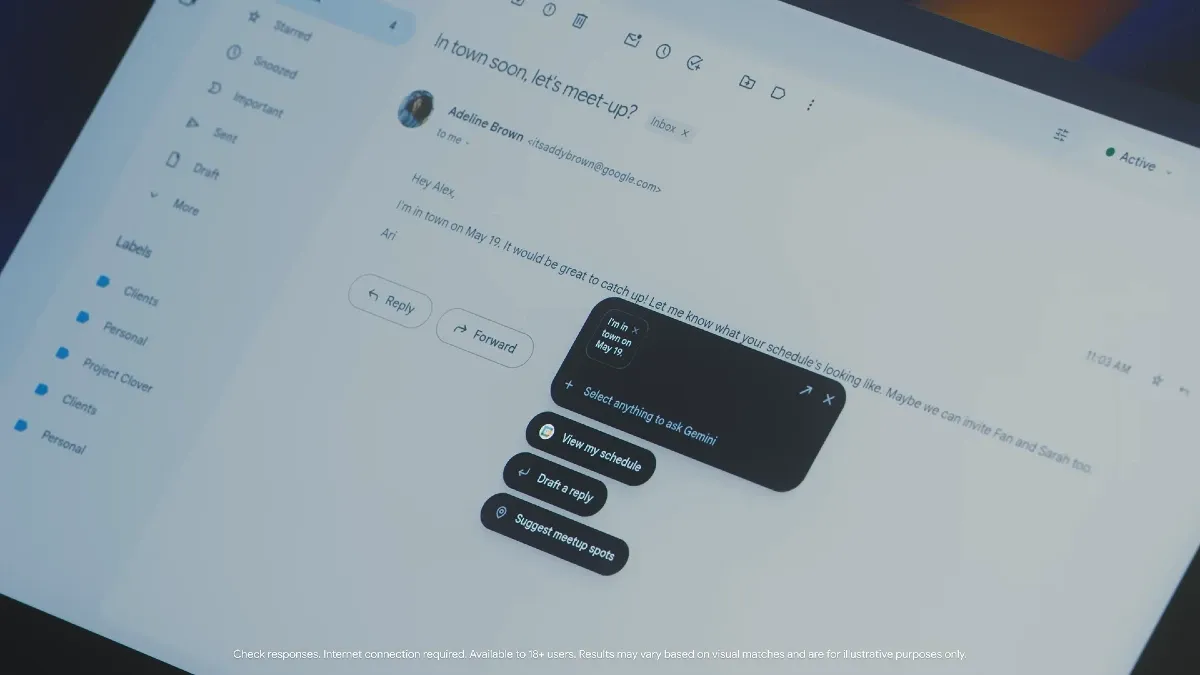
Googlebook flips this concept by embedding Gemini's capabilities directly into the trackpad and cursor operations themselves. While only some of its behaviors have been revealed so far, Maletis describes it as a shift from a mere clicking tool to a context-aware assistant that dynamically adapts its behavior based on the task at hand.
An "End-to-End Intelligence System"
The final distinction Maletis highlighted is that while Android's desktop mode is essentially an optional feature appended to a mobile OS, Googlebook is designed from its inception as a single, unified platform.
It is not a temporary workspace that boots up only when connected to a monitor; rather, AI is woven into the very fabric of the OS, built specifically to remove friction from daily tasks. Furthermore, by managing the OS from design through implementation, Google appears to be aiming to prevent the fragmentation often caused by manufacturer-specific customizations on Android devices.
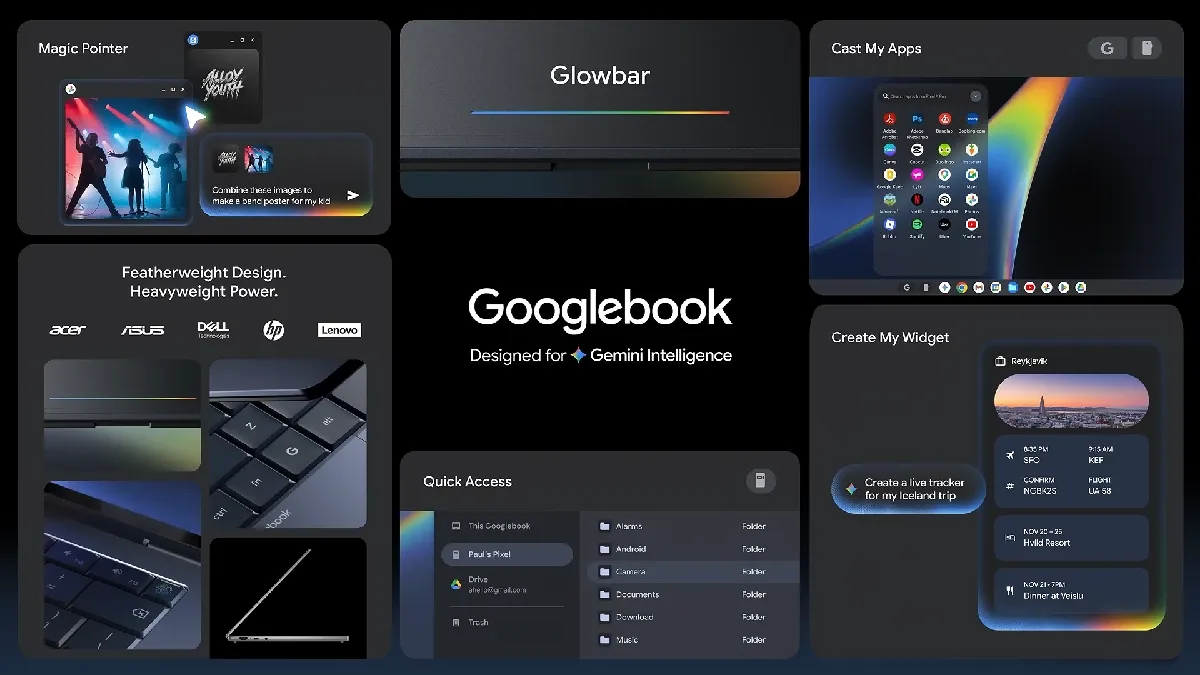
This distinction extends beyond software. Google is working directly with semiconductor manufacturers like Intel, Qualcomm, and MediaTek to develop processors optimized specifically for the Googlebook. This hardware and software integration further proves that Googlebook is not a temporary mode triggered by a display connection, but a cohesive platform built from the silicon up.
Given this comprehensive scope, Maletis positions the Googlebook not merely as a laptop, but as an "intelligence system" where AI is threaded throughout the entire device.
Conclusion
The difference between Googlebook and Android desktop mode stems not from an arbitrary desire to differentiate or a simple feature expansion, but from their fundamentally different starting points regarding form factor. New integrated AI features like the Magic Pointer and silicon-level optimizations are born directly from this distinct design philosophy.
In this regard, it also features a completely different architectural mindset from traditional Chromebooks and ChromeOS, confirming that Googlebook is not a Chromebook successor, but an entirely new, expanded category.
While the full scope of specs and lineups has yet to be revealed, we expect to learn much more as we approach its launch in the fall of 2026.