

Google has published "Viewer," a new media viewing and editing app for Googlebooks, on the Google Play Store.
Similar to Desktop Camera, Text, and Look up, the package name contains desktop (com.google.android.desktop.backpack.client), confirming that it is built for Googlebooks.
Screenshots on the Play Store listing showcase the app's UI, and Android Authority successfully got the "Viewer" app running on an Android tablet, uncovering its automatic AI-powered suggestions.
Media Viewing, Editing Capabilities, and UI
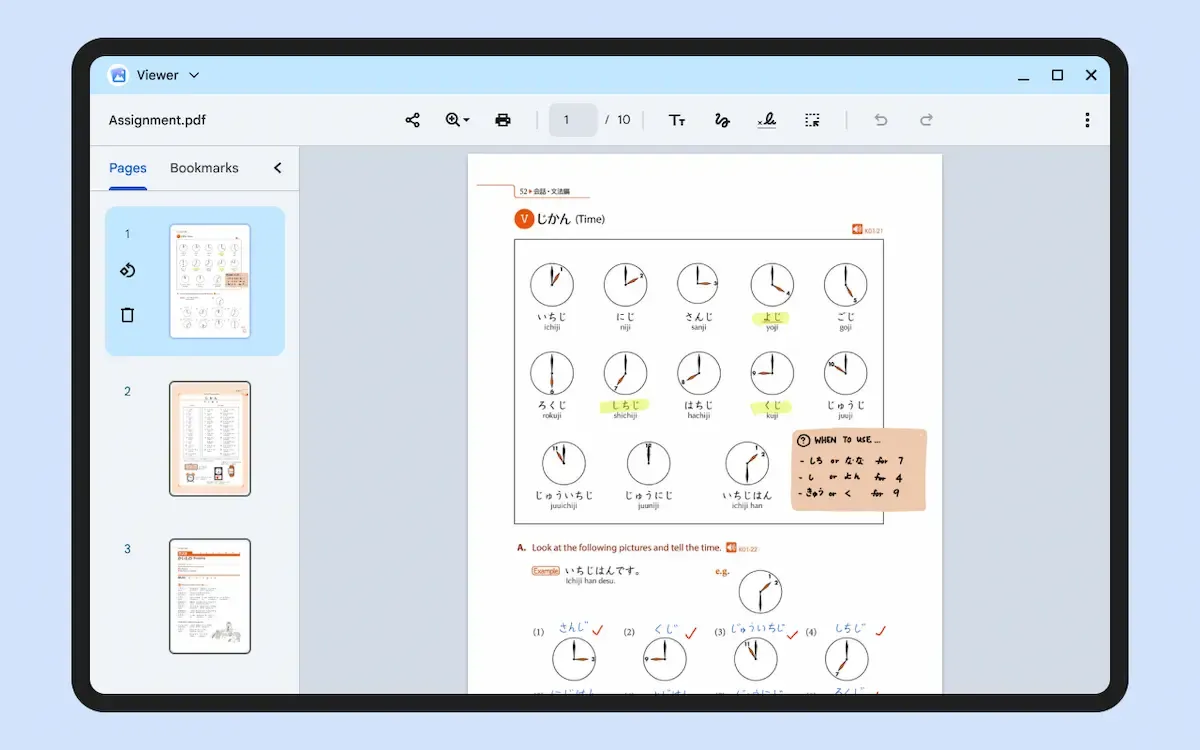
The "Viewer" app allows users to view and edit photos, videos, audio, and PDF files stored on their devices all in one place.
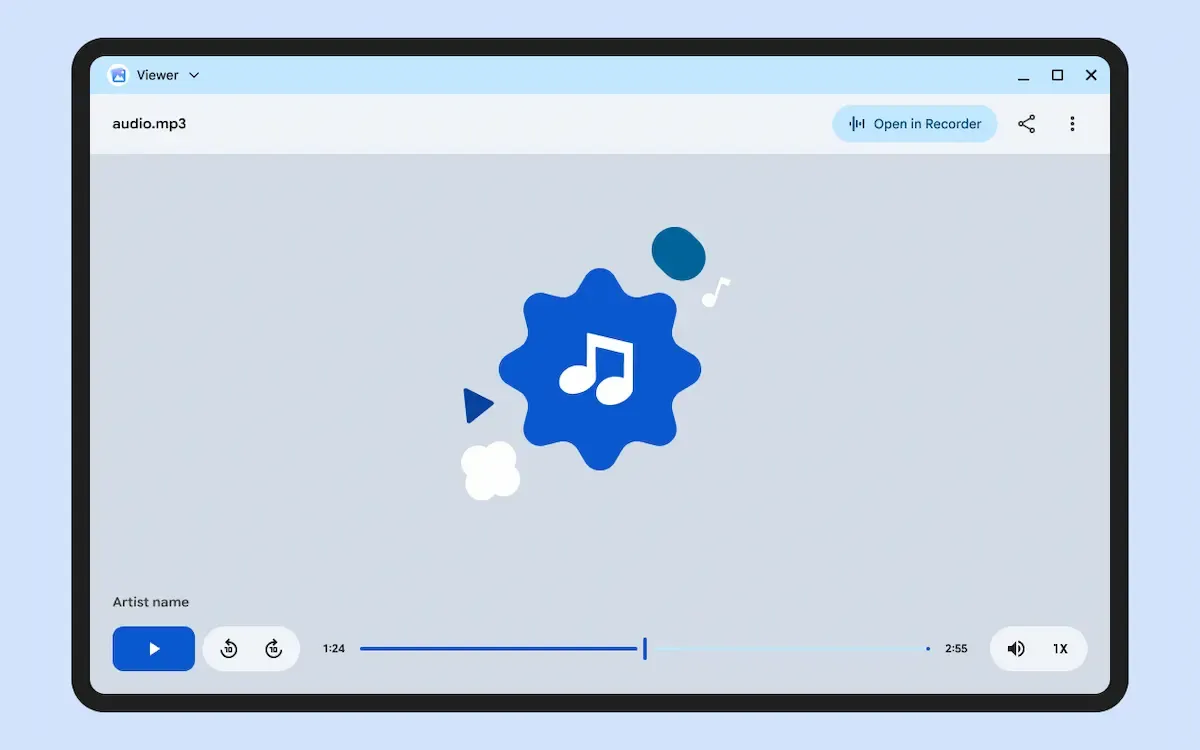
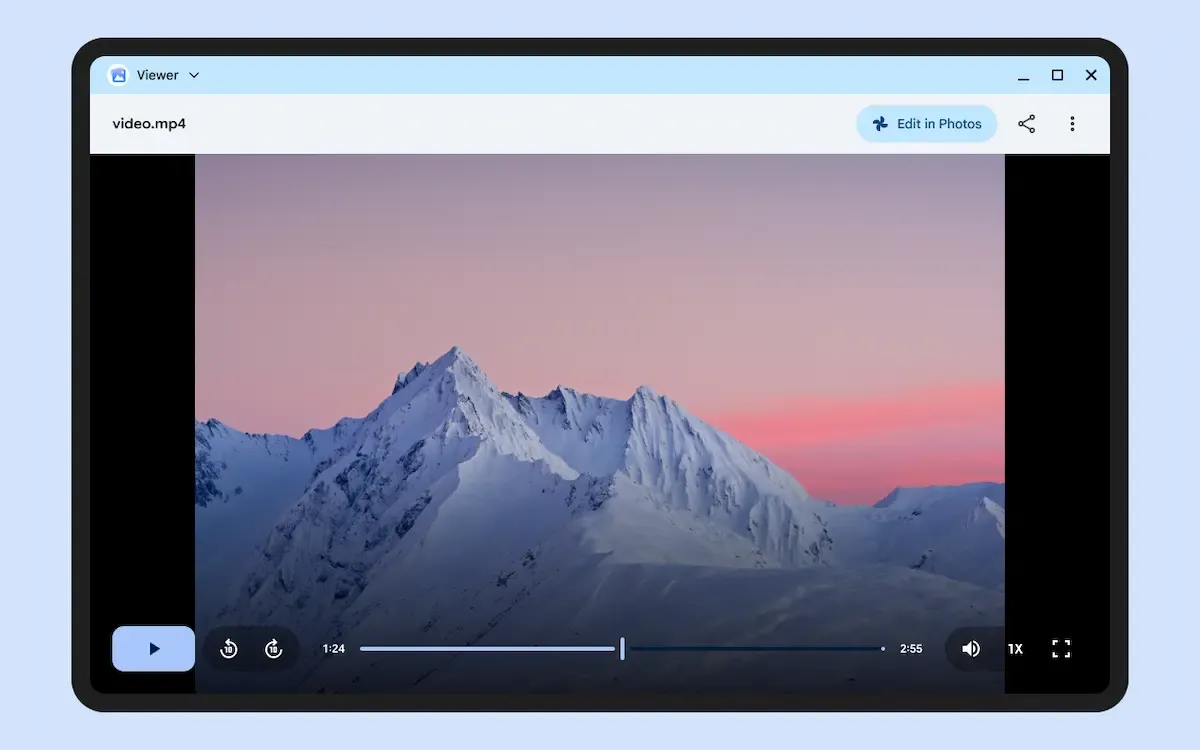
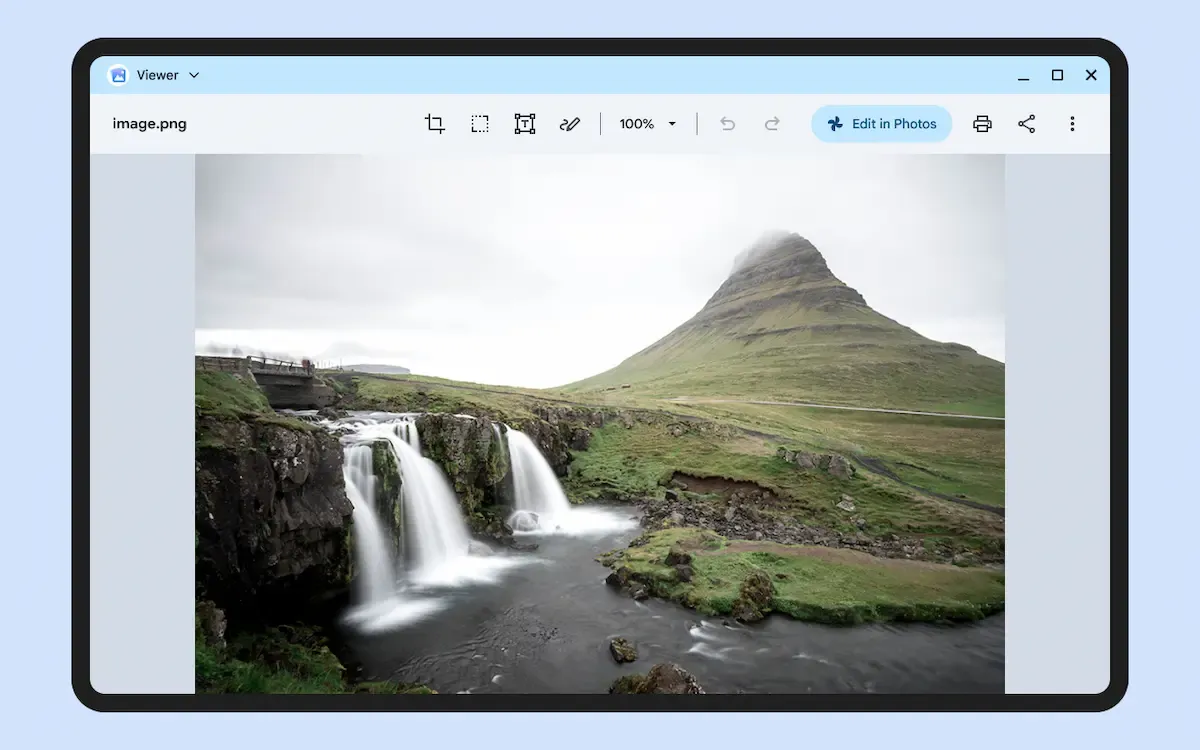
For image editing, it packs basic editing tools such as adding annotations, inserting text, resizing, cropping, and rotating. When viewing photos or videos, an "Edit in Google Photos" button appears in the top-right corner, while audio files offer an "Open in Recorder" button.
The PDF viewer comes with comprehensive editing features, allowing users to add text, annotations, and signatures while viewing page previews on the left sidebar. A selection tool enables users to freely move and edit inserted text or annotations.
The core UI closely resembles the ChromeOS Gallery app.
Much like on Chromebooks, opening files through the Files app or Google Drive is expected to launch the "Viewer" app directly rather than opening them in a web browser.
AI Content Detection and Suggestion Features
Upon first launching the app, a setup screen prompts users to "Enable timely suggestions with AI."
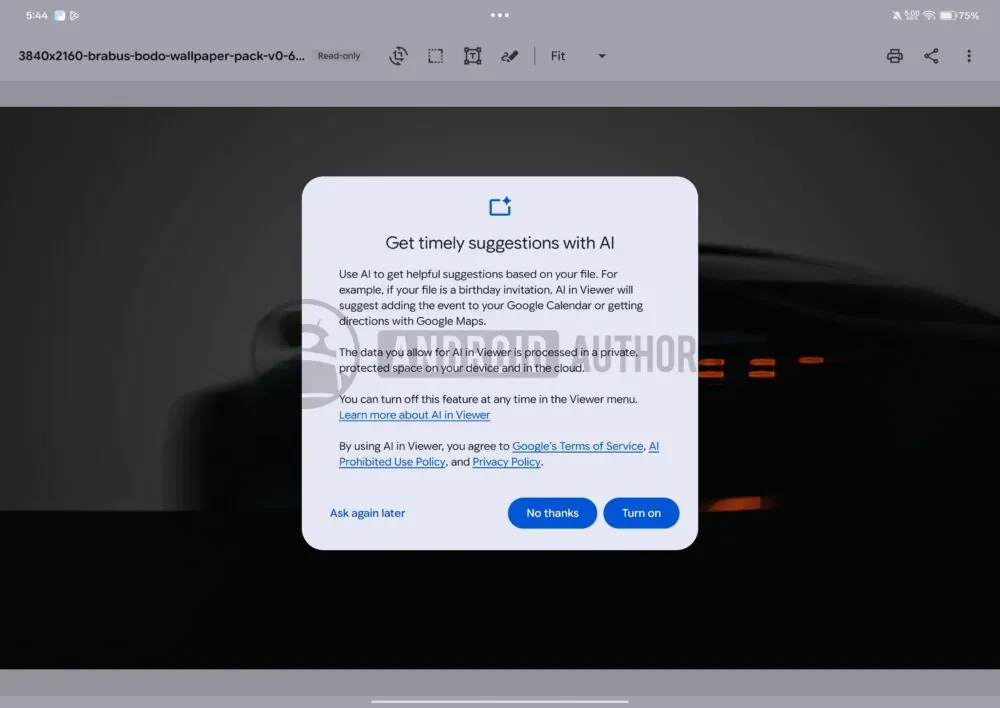
When enabled, the AI automatically detects information such as dates or locations embedded within the content, presenting one-tap contextual suggestion popups.
For example, if a date is found in an image or PDF, it suggests adding an event to Google Calendar; if a location is detected, it offers directions in Google Maps.
While similar date and location detection features exist in Chromebook Plus's built-in AI, those function as extensions of "Circle to Search," whereas Googlebook handles them more natively.
Designed specifically with Googlebooks in mind, the UI seems well-suited as a solid default media player and editing tool.