Google has begun rolling out Android 17 QPR2 for Pixel devices, and with its arrival on the Pixel 11 series, users can now sync Do Not Disturb with Googlebook.
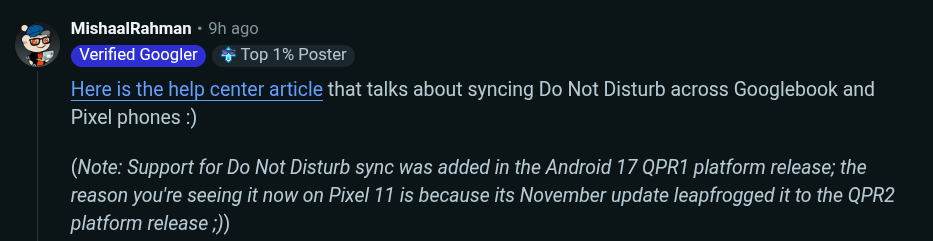
Google's Mishaal Rahman explained on Reddit that support for Do Not Disturb sync was added in Android 17 QPR1, and that the Pixel 11 series gained access to it because the November update leapfrogged QPR1 directly to QPR2.
Pixel 11 Series Updated to QPR2, Skipping QPR1
Although the Pixel 11 series launched in August 2026, it was not included in the rollout of Android 17 QPR1 delivered to other Pixel devices in September 2026, nor did it receive QPR1 in the October update.
However, Android 17 QPR2, which began rolling out on November 10, 2026, also covers the Pixel 11 series, and updating allows users to set up Do Not Disturb sync with Googlebook.
Additionally, the clipboard now syncs between Googlebook and Pixel phones while using Cast My Apps.
Both sync features were already available on other Pixel devices that had previously received Android 17 QPR1.
How to Set Up Do Not Disturb Sync
According to Google's help page, syncing requires turning on Bluetooth and Wi-Fi on both the Googlebook and Pixel, connecting both devices to the same Wi-Fi network, and signing in to the same Google Account on both devices.
To turn on sync, follow these steps on both the Googlebook and Pixel:
-
Open Settings > Connected devices > Connection preferences > Cross-device services
-
Select Continue activity
-
Turn on Do Not Disturb (or Do Not Disturb sync)
To turn on Do Not Disturb on a Googlebook, go to Settings > Modes > Do Not Disturb > Turn on now.
Only the on and off settings of Do Not Disturb are synced, automatically matching the most recent setting of other nearby devices. However, notification filters such as People, Apps, and Alarms do not sync across devices and must be configured on each device individually