

Google has rebranded its "Chromebook Recovery Utility" Chrome extension to "Device Recovery Utility" and added support for Googlebook.
This enables users to create Googlebook recovery media using the same process as before. The extension is localized in Japanese, and its operations have been verified.
Steps to Create Googlebook Recovery Media
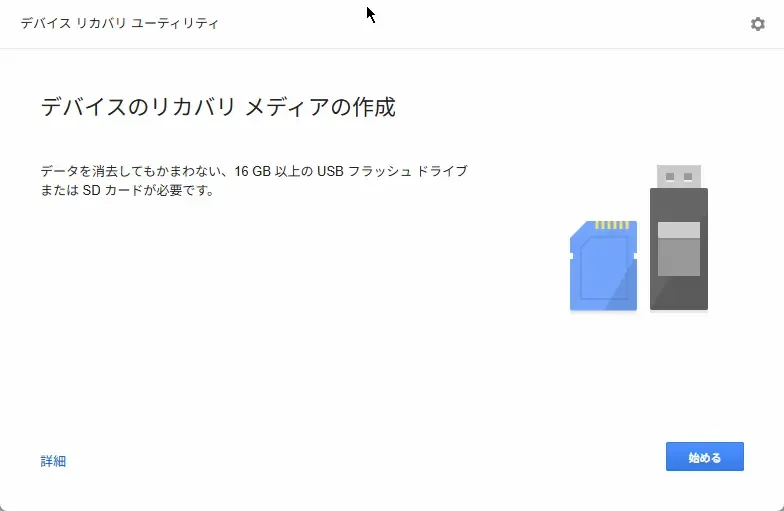
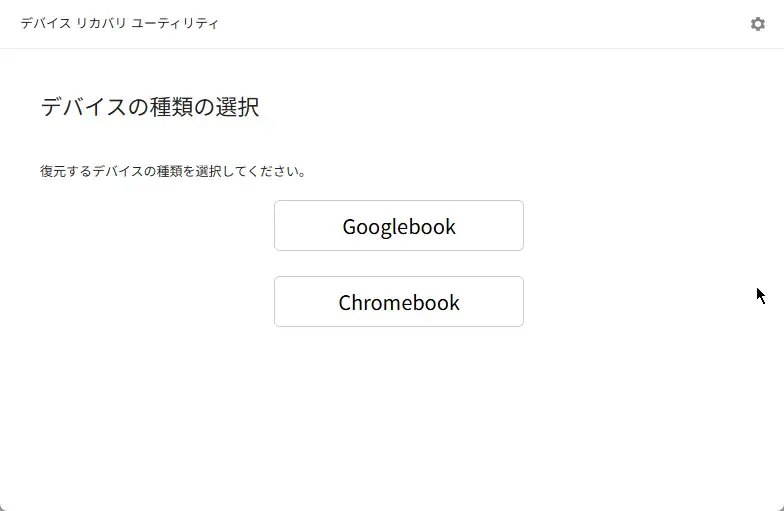
Install the "Device Recovery Utility" extension from the Chrome Web Store, open it, and click "Get started." You will then see Googlebook displayed on the device selection screen.
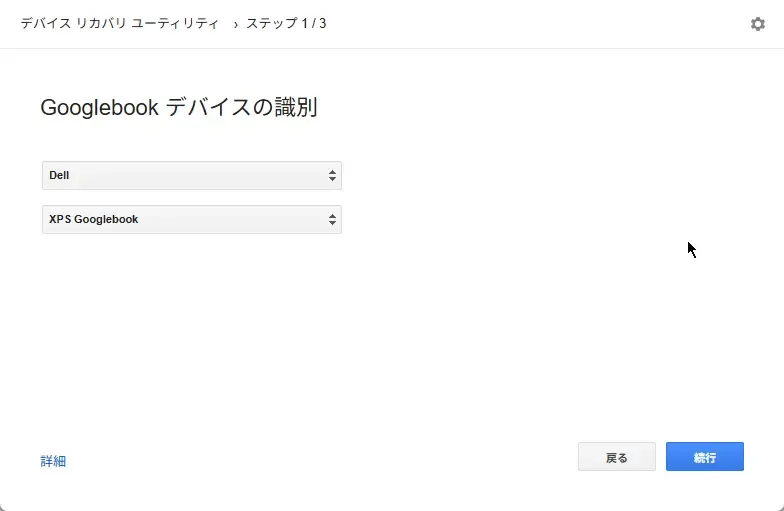
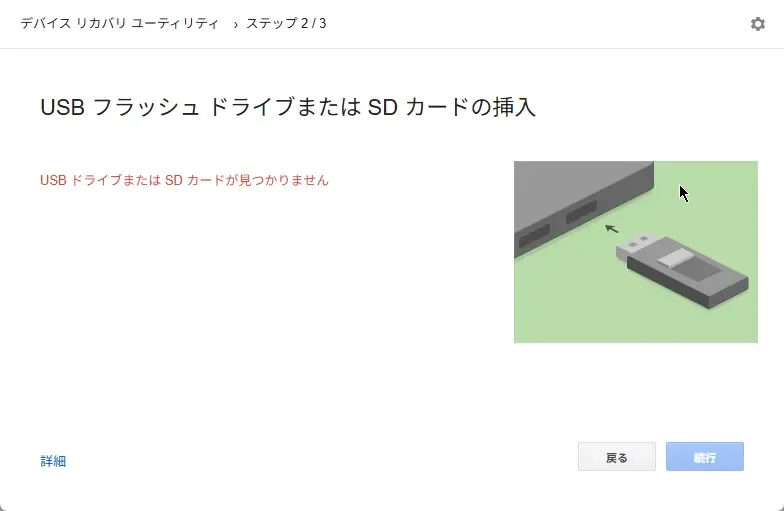
After selecting Googlebook, specify the manufacturer and model to proceed with writing the recovery media to a USB flash drive or SD card.
This allows you to restore the OS using the created media even if system issues such as bootloops occur.
Note that a USB flash drive with at least 32 GB of capacity is required to create recovery media, and all files on the USB drive will be erased (formatted) during the creation process.
USB Drive Compatibility and Behavior
Regarding recovery media creation, compatibility issues have been reported with certain USB drives. According to tech outlet Chrome Unboxed, cases were confirmed where connecting a PNY USB drive resulted in it not being properly recognized, with formatting also failing to function.
On the other hand, when I tested it on a Chromebook using a SanDisk USB flash drive, the entire process—from recognition to writing and formatting—completed without any issues.
Since behavior may vary depending on the USB drive used or the host device running the tool, if writing fails, you may need to switch to a different creation device or use a different media drive.