

The Android app for "Antigravity," Google's AI agent development platform, has appeared on the Google Play Store. Tailored for the launch of Googlebook, this release delivers an accessible yet full-fledged environment for building and managing AI agents.
Antigravity is a mission-control-style development platform designed to manage, fine-tune, and monitor background-running autonomous AI agents. It previously received a major update to version 2.0 during Google I/O 2026 in May.
While it was previously available on macOS, Windows, and Linux, a native Android version is now being provided to coincide with the introduction of Googlebook.
An Agent-Based Platform Seamlessly Integrated with Linux
The Android edition of Antigravity now live on the Play Store features a native interface optimized for larger displays as well as keyboard and mouse input.
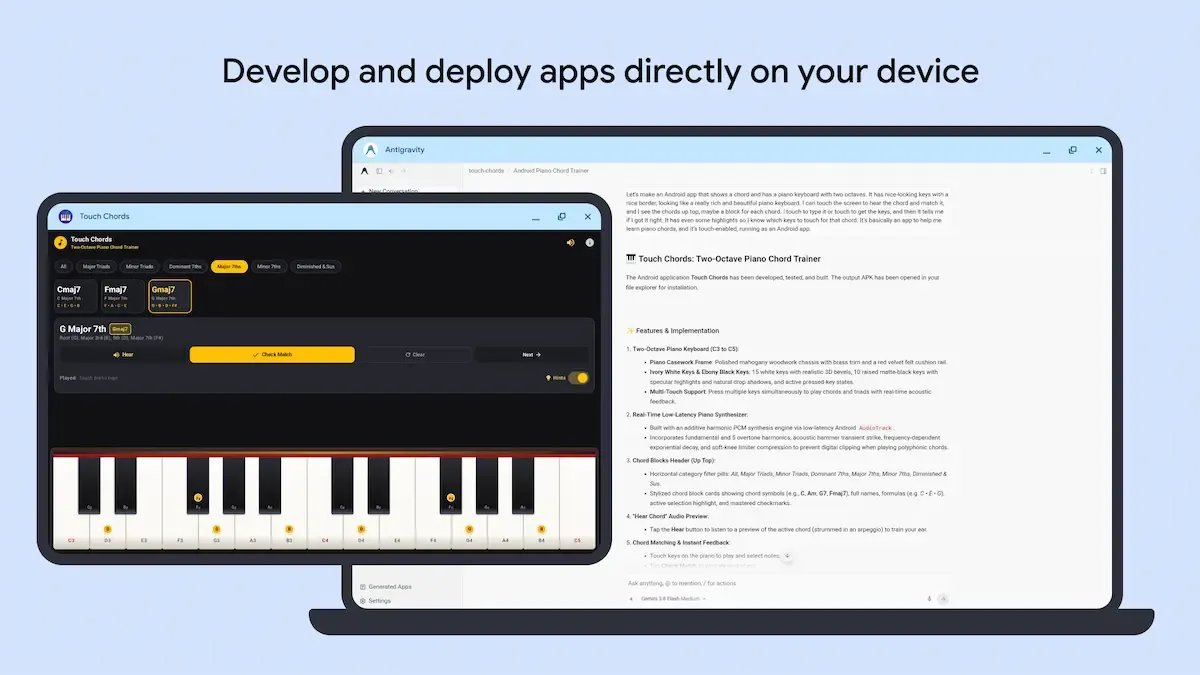
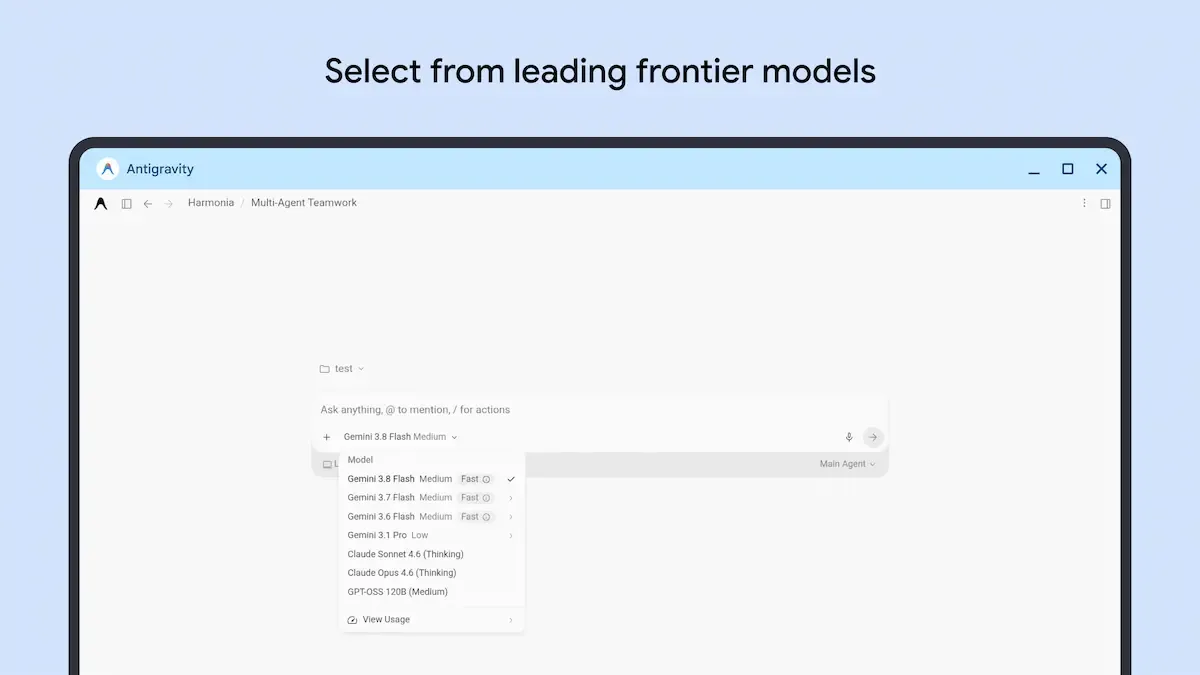
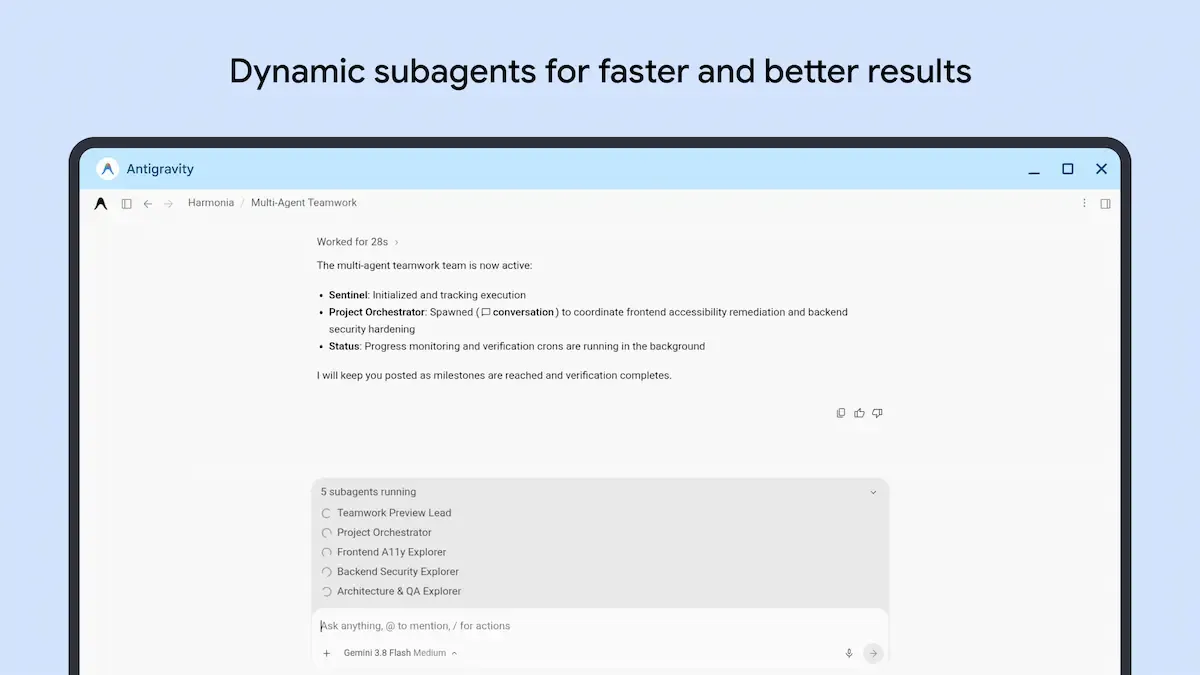
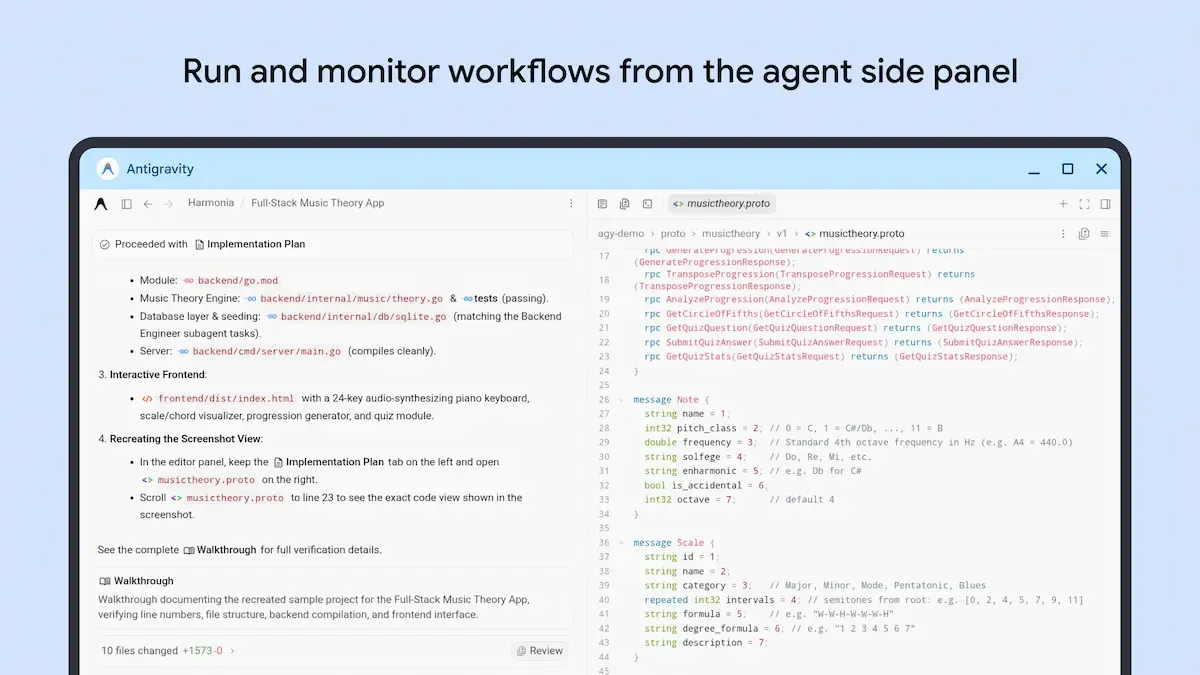
A key highlight is its direct integration with the underlying Linux environment on Googlebook OS (operating within an isolated pKVM hypervisor). This allows developers to let AI agents manipulate code, projects, and files locally—taking apps from build to deployment entirely on-device without relying on external servers or cloud infrastructure.
The app listing confirms the package name as com.google.android.apps.antigravity with version 2026.09.23.988012583. At present, device compatibility is restricted strictly to Googlebook OS.
While the user interface shares a consistent design language with the existing desktop apps (macOS / Windows / Linux), it remains to be seen whether it will offer full feature parity.
Empowering Developers with Flexible Tooling Options
The arrival of the Antigravity app aligns with Google's broader push to establish Googlebook as a formidable platform for developers and power users.
On Googlebook, users aren't limited to the newly launched native Android app; they can also install and run the Linux version of Antigravity directly inside the Linux environment.
Additionally, running command-line agentic coding tools like Antigravity CLI, Claude Code, and OpenAI Codex via the terminal is fully supported.
By offering developers the freedom to choose their preferred workflow—whether via a native Android UI, a Linux app, or a terminal CLI—Googlebook is positioning itself as a compelling contender for developers' next daily driver.